Unlock iOS devices
Apeaksoft iOS Unlocker is a utility tool that allows you to erase an iOS passcode to get into a screen-locked device. If ever you've forgotten your Apple ID, you'll have the power to remove it as well and activate your iOS as a new one.
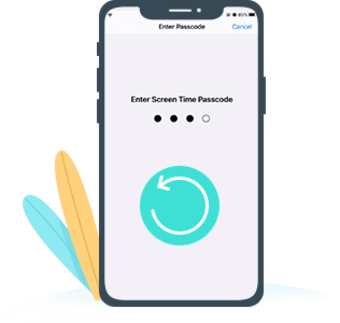
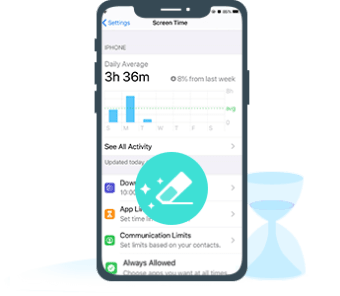
Moreover, it is capable to recover and remove Screen Time restriction passwords with ease. Developed by Apeaksoft Studio, it's offered in a freemium license just like Aiseesoft iPhone Unlocker and AnyMP4 iPhone Unlocker. Its free version is limited in features and requires the purchase of a subscription to unlock.
Quickly crack locked iOS
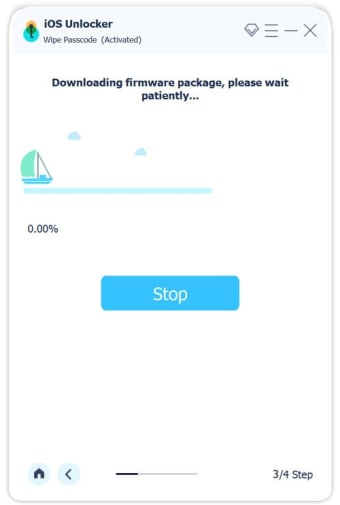
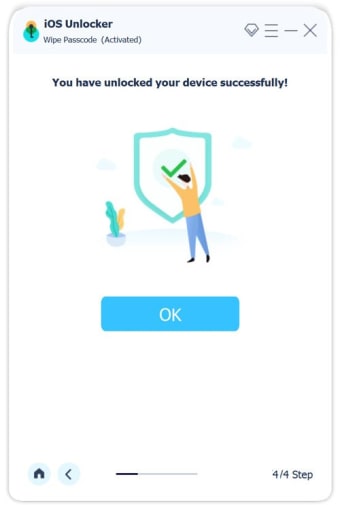
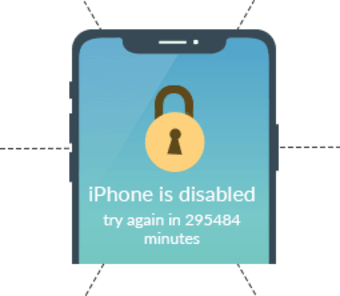
No matter what version of iOS you currently have—older or newer—Apeaksoft can still unlock it. Just connect your locked iOS device to a computer using a USB cable. You'll be prompted to confirm some device information. If everything's fine you can immediately start downloading the firmware package for your device. Within a few seconds you can access your locked device, by clicking 'Unlock' and typing the 0000 code.
On the other hand, you only need to select 'Remove Apple ID mode' and 'Screen Time mode' to start abolishing your forgotten Apple ID and recover or remove the Screen Time password respectively. Bear in mind that all of your data and settings will be discarded when you wipe the screen-locked passcode on your iOS or remove Apple ID.
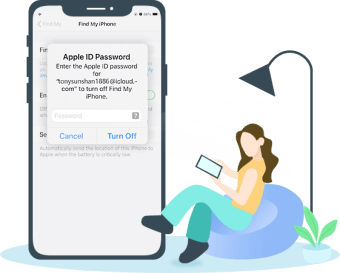
When you're eradicating Apple ID take into account to avoid using the 'Erase All Content,' 'Settings feature,' or 'Restore iPhone' through iTunes as it will link to your old Apple ID and get the process stuck in iCloud activation. Furthermore, remember to disable your Find My iPhone/iPad to successfully erase Apple ID and delete or recover the Screen Time restriction passcode.
Secure approach to unlock iOS
Apeaksoft iOS Unlocker is an essential software solution, especially for iOS device users. It provides the most convenient and secure way to unlock the iOS passcode, remove Apple ID and erase or recover the Screen Time password. With this, you will never have to worry much about forgetting passwords as it can always save your day.